UMT Pro Unisoc Module v1.9 Download (Latest 2026)
If you repair Android smartphones powered by Unisoc processors, having a reliable servicing tool is essential. UMT Pro Unisoc Module v1.9 is the latest update from the UMT Team, bringing support for new Unisoc CPUs and several newly released smartphones.
This powerful tool allows technicians to perform tasks like FRP reset, SIM unlock, IMEI repair, firmware flashing, factory reset, and phone information reading. With the v1.9 update, more devices such as Blackview Shark 9 5G, Nokia C22, Infinix Smart 10, and Nubia Neo 5G are now supported.
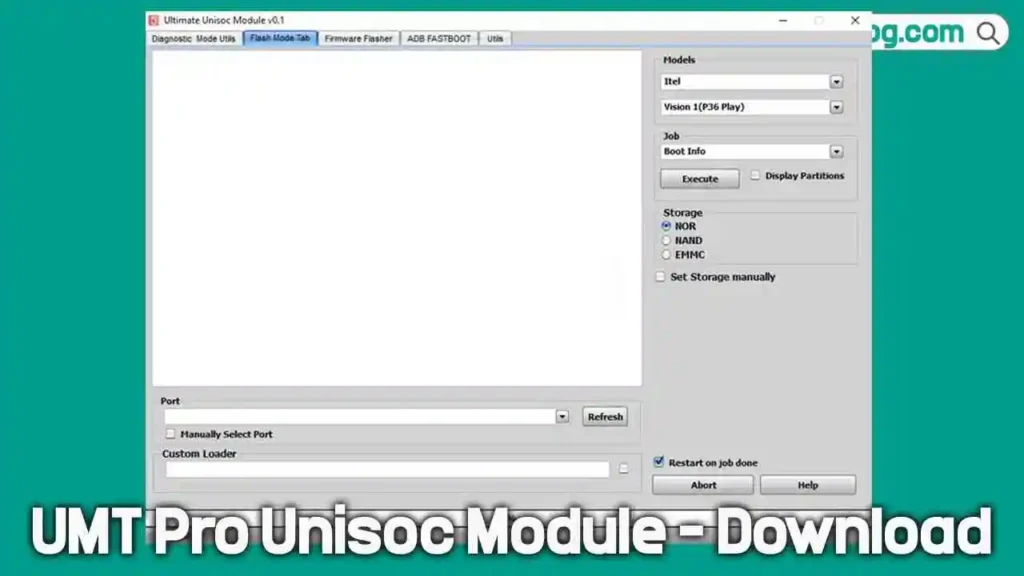
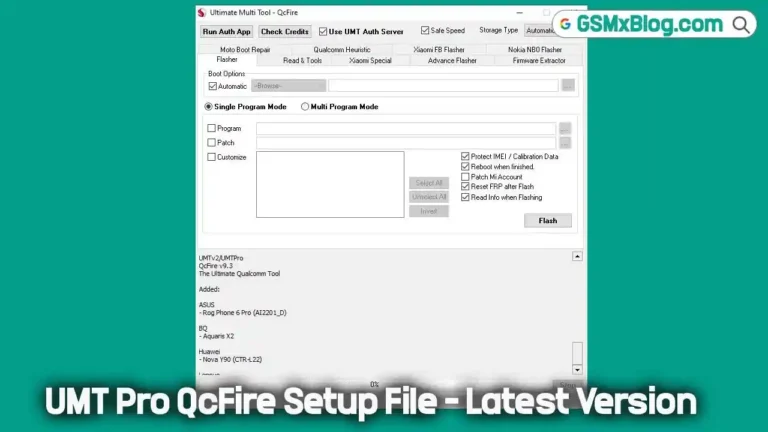
The module works with UMTv2 / UMT Pro dongle or box, making it a useful solution for mobile repair professionals.
Key Features of UMT Pro Unisoc Module v1.9
Phone Servicing Functions
- Read phone information
- Factory reset (wipe phone)
- Remove FRP lock
- Safe format and low-level format
- Backup security NV
- Restore NV backup
- Read password
Unlock & Security Features
- Read SIM lock information
- Remove SIM lock (unlock phone)
- Regional unlock support
- Unlock phone using custom UID
- Restore SIM lock NV backup
IMEI & Identity Repair
- IMEI 1–4 repair
- IMEI 1–4 change
- Bluetooth address change
- Serial number change
Flashing & Firmware Tools
- Write flash / read flash
- Create custom loader from firmware
- Use custom loader
- Read partition information
- Reboot to recovery
Additional Utilities
- Diagnostic mode utilities
- Firmware backup and restore
- Boot info reading
- Testpoint support
- Device manager access
- Screenshot and backup tools
Download UMT Pro Unisoc Module v1.9
Follow these steps to download the latest version:
- File Name: UMTv2_Unisoc_Installer_v1.9.rar
- Version: v1.9
- File Size: 155MB
- Password: UmtTeam
How to Install and Use UMT Pro Unisoc Tool
Installation Steps
- Download and extract the setup file.
- Run the installer as administrator.
- The installation wizard will appear.
- Select the installation directory.
- Click Next and enable Create Desktop Shortcut.
- Click Install and wait for the process to finish.
- Click Finish.
Running the Tool
- Go to the desktop and open UMTSPD.exe.
- The tool interface will open.
- Select the function you want to perform.
- Connect the device in the required mode.
- Click Start to begin the process.
UMTv2 / UMT Pro – Unisoc Module v1.9 (Changelog)
Release Date: 12/05/2026
⚙️ Supported CPUs
- SC6530
- SC6531
- SC6531E
- SC6531EFM
- SC6631
- SC7731C
- SC7731E
- SC7731G
- SC9820E
- SC9832A
- SC9863A
- SC9863A_64
- SC9863A_64 V2
- SC9863A V2
- Tiger T310 (UMS312)
- Tiger T603
- Tiger T606
- Tiger T606 V2
- Tiger T610 (UMS512)
- Tiger T610 (UMS512) V2
- Tiger T612 (UMS9230)
- Tiger T616
- Tiger T616 V2
- Tiger T700
- Tiger T760
🔧 Supported Functions
- Enter DIAG Mode
- Read Phone Info
- Read Password
- Factory Reset / Wipe Phone
- Backup Security NV
- Restore NV Backup
- Remove FRP
- Safe Format
- Low Level Format
- Read Simlock Info (Unlock Codes)
- Remove Sim Lock (Unlock Phone)
- Unlock Phone using Custom UID
- Restore Simlock NV Backup (Lock Phone)
- Regional Unlock
- IMEI 1–4 Repair
- IMEI 1–4 Change
- BT Change
- Serial 1–2 Change
- Write Flash
- Read Flash
- Make Custom Loader from Firmware
- Use Custom Loader
- Read Partition Info
- Reboot Recovery
- EROFS filesystem support
📱 Added – New Supported Devices
Blackview
- Blackview A52 Pro
- Blackview A85
- Blackview BV4800 Pro
- Blackview Oscal C70
- Blackview Oscal C80
- Blackview Oscal Tiger 10
- Blackview Wave 8
Oukitel
- Oukitel C1 Pro
- Oukitel C32
- Oukitel C33
- Oukitel C36
- Oukitel C51
- Oukitel C58
- Oukitel C58 Pro
- Oukitel C59
- Oukitel C60
- Oukitel C62
- Oukitel C62 Pro
- Oukitel C65
- Oukitel C65 Pro
- Oukitel G1
- Oukitel G2
- Oukitel OT11
- Oukitel OT12
- Oukitel RT9
- Oukitel WP23 Plus
- Oukitel WP23 Pro
- Oukitel WP28 E
- Oukitel WP28 S
- Oukitel WP32 Pro
Supported Functions
- Read Info
- Wipe
- FRP Reset
- Security Backup/Restore
- Read/Write Flash
- DIAG Mode Operations
- IMEI Repair
- SN Repair
Meizu
- Meizu C9 (M818H, M1818)
- Meizu C9 Pro (M819H)
- Meizu Note 21 (M411H, M2411)
- Meizu mBlu 21 (M416L, M2416)
- Meizu mBlu 10 (M2110, M2112)
- Meizu mBlu 10s (M2111)
Inoi
- Inoi A35 Adventure
- Inoi Note 13S
Doogee
- Doogee Tab G5
- Doogee Blade 20
- Doogee Blade 20 Pro
- Doogee Fire 3 Pro
- Doogee Fire 3 Ultra
- Doogee Tab A9 Plus
- Doogee Tab A9 Pro Plus
Supported Functions
- Read Info
- Factory Reset
- FRP Reset
- Security Backup/Restore
- Flash Operations
- Slot Change
- DIAG Functions
🛠 Fixes & Improvements
- Moved executable to a new platform for improved Windows 11 compatibility
- Fixed exception error during EROFS partition parsing
- Improved flashing:
- Better filesystem autodetection
- Faster flashing
- Auto SPLoader selection (UFS/eMMC)
- Improved wipe function to stop unwanted restarts on unsupported phones
- Improved FRP reset for supported devices
- Better Read Info support for EXT4 and EROFS partitions
- Fixed flash slot change compatibility issues
- Improved Fastboot Read Info
- Improved DIAG mode operations
- Fixed partition info reading bug
- Enhanced security backup function for previously unsupported models
- Improved FRP reset for newer Android versions
FAQ
Is UMT Pro Unisoc Module free?
No. The tool requires UMT Pro or UMTv2 dongle activation to use all features.
What chipsets are supported?
It supports many Unisoc and Spreadtrum CPUs, including SC6531, SC9863A, Tiger T610, Tiger T616, and more.
Can this tool remove FRP lock?
Yes. The tool includes a FRP reset function for supported Unisoc devices.
Is it safe to use for IMEI repair?
Yes, but it should be used only for legal servicing purposes according to your local regulations.
Does it support firmware flashing?
Yes. You can flash firmware using PAC files or XML firmware packages.
Conclusion
UMT Pro Unisoc Module v1.9 is a powerful servicing tool for technicians working with Unisoc-powered Android smartphones. The latest update introduces new device support, improved flashing performance, and better FRP removal.
With its advanced functions like IMEI repair, SIM unlock, firmware flashing, and NV backup, this module remains one of the most reliable solutions for mobile repair professionals using the UMT Pro platform.