Symphony Helio 80 Flash File (Firmware) Free Download
If your Symphony Helio 80 device is facing issues like bootloop, software bugs, or is completely dead, installing the official stock firmware can fix these problems. This guide will help you download the firmware and flash it safely on your device.
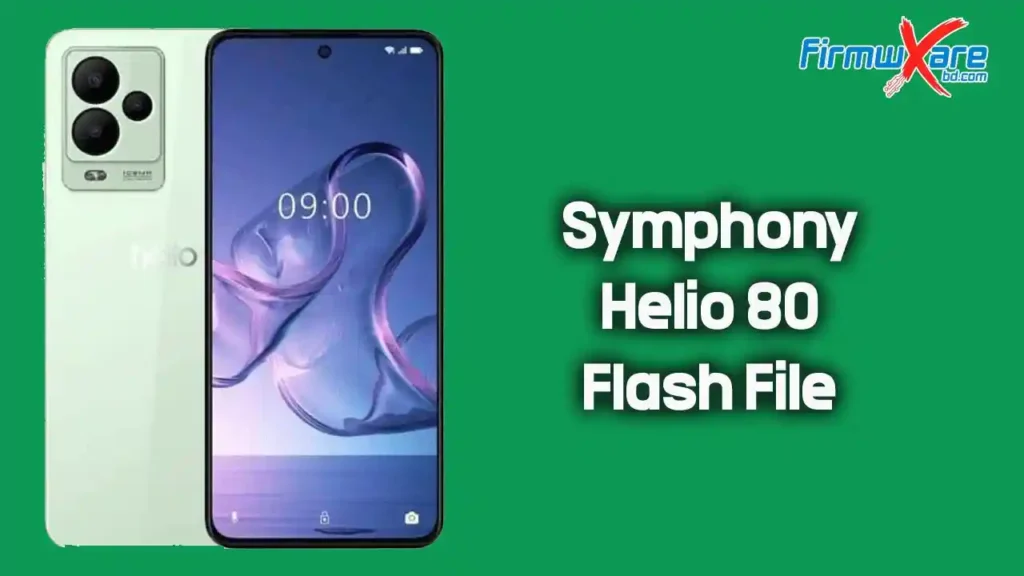
About Symphony Helio 80 Firmware
The official firmware for the Symphony Mobile Helio 80 is built to restore your phone to its original factory condition. The firmware package includes all essential files such as the flash file, flash tool, USB driver, and installation guide.
It is useful for repairing system errors and improving overall device performance.
Why Flash Stock Firmware
Flashing stock firmware can solve many common smartphone issues:
- Fix bootloop or stuck on logo
- Repair dead or unresponsive devices
- Resolve IMEI or network problems
- Remove software bugs and lag
- Upgrade or downgrade Android version
- Clean malware or unwanted apps
Download Symphony Helio 80 Flash File
- File Name: Symphony_Helio_80_MT6789_HW1_V12_151123_MXML.zip
- File Size: 2.90 GB
Pre-Requisites Before Flashing
Before you begin the flashing process, follow these important steps:
- Backup all important data
- Charge your device at least 50%
- Use a good quality USB cable
- Install the correct USB drivers on your PC
- Extract the firmware package properly
- Disable antivirus if it blocks the flash tool
How to Install Stock Firmware
Follow these steps to flash the firmware on your Symphony Helio 80:
Step 1: Download & Extract
Download the firmware file and extract it on your computer.
Step 2: Install Drivers
Install the USB drivers included in the package (skip if already installed).
Step 3: Open Flash Tool
Open the flash tool provided in the extracted folder.
Step 4: Load Firmware
Load the firmware file into the flash tool.
Step 5: Connect Device
Power off your device and connect it to the PC via USB cable.
Step 6: Start Flashing
Click on the “Download” or “Start” button in the tool.
Step 7: Wait for Completion
Wait until the flashing process is completed successfully.
Step 8: Reboot Device
Disconnect the device and power it on.
Conclusion
Flashing the Symphony Helio 80 stock firmware is the best solution for fixing software-related issues and restoring your device to its original state. Make sure to follow all steps carefully to ensure a safe and successful installation.