Oppo CPH2247 Firehose File Free Download
Download the Firehose File for Oppo CPH2247 — a Qualcomm EDL programmer file required for flashing firmware, recovering a bricked device, and performing advanced repair operations via EDL mode.
What is a Firehose File?
Qualcomm EDL Firehose is a protocol used by Qualcomm processors to communicate with other devices during the firmware installation process. The Firehose protocol enables data delivery to the device for various functions, such as flashing, custom recoveries, and firmware updates.
Each Qualcomm device requires a unique set of programmer Firehose files to ensure compatibility and proper functionality. These files are typically provided by the device manufacturers alongside the necessary flashing tools.
The Oppo CPH2247 runs on a Qualcomm chipset and requires its own unique .elf programmer file to enter and communicate over EDL (Emergency Download) Mode (9008).
📱 About Oppo CPH2247
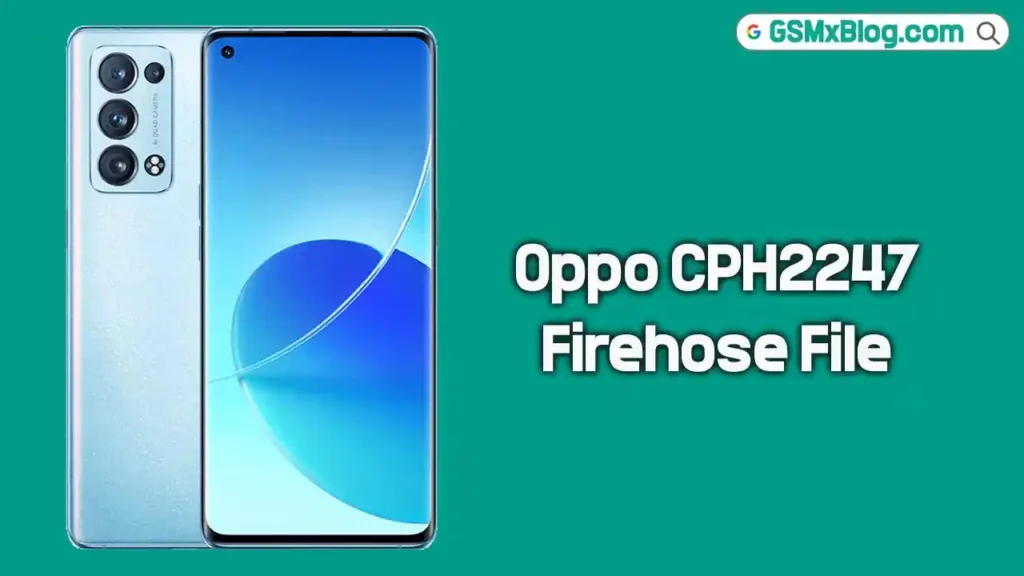
The Oppo CPH2247 is an Android smartphone powered by a Qualcomm Snapdragon processor. It is also known as the Oppo Reno 6 Pro in some markets. The device features a high-refresh-rate AMOLED display, a capable multi-camera setup, and fast charging support, making it a solid mid-to-high-range Android device.
Since it runs on a Qualcomm chipset, EDL flashing requires the proper Firehose .elf programmer file along with a compatible flashing tool such as QFIL Tool.
📥 Firehose File Download Details
- Device Name: Oppo CPH2247 (Reno 6 Pro)
- File Name: CPH2247.elf
- File Type: Qualcomm Firehose Programmer (.elf)
- Chipset: Qualcomm Snapdragon
🔗 Download Link:
👉 Download CPH2247.elf (MediaFire)
⚠️ Note
- Always create a full backup of your data before proceeding.
- Incorrect flashing may brick your device — proceed at your own risk.
- Use this file only on the Oppo CPH2247 model to avoid permanent damage.
⚙️ Pre-Requisites Before Flashing
Before starting, make sure to:
- Install Qualcomm USB Driver (QDLoader 9008) on your PC.
- Download the latest QFIL Flash Tool.
- Download the CPH2247.elf Firehose file from the link above.
- Use a good quality USB cable.
- Make sure your PC runs Windows OS.
🔧 How to Use Oppo CPH2247 Firehose File
Follow the steps below carefully:
Step 1: Install Qualcomm USB Driver
Download and install the Qualcomm USB Driver (HS-USB QDLoader 9008) on your PC. Skip if already installed.
Step 2: Open QFIL Flash Tool
Download and launch the QFIL Flash Tool on your computer. Run it as Administrator.
Step 3: Load Firehose File
- Click “Browse” next to “Programmer Path”.
- In the popup window, browse and select the downloaded CPH2247.elf file.
Step 4: Enter EDL Mode
Boot your Oppo CPH2247 into EDL (Emergency Download) Mode. You can do this by:
- Powering off the device and connecting it to the PC while holding Volume Up + Volume Down.
- Or using a test point on the motherboard if the device is completely dead.
Once in EDL mode, the device will appear as Qualcomm HS-USB QDLoader 9008 in Device Manager.
Step 5: Start Flashing
Select your required operation (flash firmware, FRP remove, format, etc.) and proceed within the QFIL Tool or your supported flashing tool.
✅ Supported Tools
The CPH2247.elf Firehose file is compatible with the following tools:
- QFIL Tool (Qualcomm Flash Image Loader)
- MI Flash Tool
- Python EDL
- QLMFlasher Pro
- Any other Qualcomm toolbox that uses XML for EDL operations
Important Notes
- Always use the Firehose file specifically for the Oppo CPH2247 model only.
- Do not disconnect the device during the flashing process.
- If the device is not detected, reinstall Qualcomm USB Drivers and try again.
- Always back up all data before proceeding — flashing will erase everything.
✅ Conclusion
The Oppo CPH2247 Firehose File (CPH2247.elf) is an essential Qualcomm EDL programmer file for flashing firmware, removing FRP locks, and recovering a bricked device. By using the correct Firehose file with a compatible tool like QFIL, you can safely perform advanced repair operations on your Oppo CPH2247.
Download the file from the link above and carefully follow the guide to successfully use the Firehose programmer on your device.


