Download Sony Xperia USB Driver v1.9 (Latest Version) 2026
Are you looking to connect your Sony Xperia device to your PC for flashing firmware, repairing IMEI, or transferring files? The Sony Xperia USB Driver v1.9 is the official driver you need. Whether you’re a mobile technician or a DIY enthusiast, this driver establishes a stable connection between your Sony Xperia smartphone or tablet and your Windows PC — no extra software required.
In this guide, we’ll walk you through everything — how to download, install, and use the Sony Xperia USB Driver — so you can get your device connected quickly and safely.
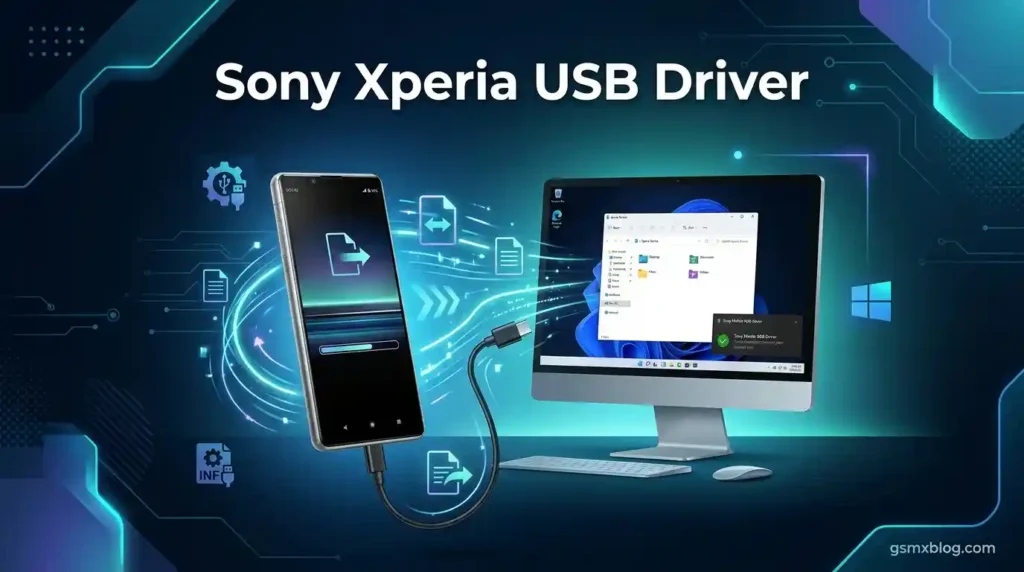
What is Sony Xperia USB Driver?
The Sony Xperia USB Driver is an official software component that allows your Windows PC to recognize and communicate with Sony Xperia smartphones and tablets. Without this driver, your computer may fail to detect your device, making tasks like flashing stock firmware, unlocking, or data transfer impossible.
It supports Windows 32-bit and 64-bit systems and is compatible with all major Sony Xperia models across different chipsets.
Key Features of Sony Xperia USB Driver v1.9
🔌 Connectivity & Communication
- Establishes a stable USB connection between your Sony Xperia device and PC
- Works without installing any additional software
- Compatible with Windows 7 / 8 / 10 / 11 (32-bit & 64-bit)
🔧 Flashing & Repair
- Install or flash stock firmware (ROM) on Sony Xperia devices
- Flash and repair IMEI on supported models
- Fix software issues and bootloop problems
📁 File Management
- Transfer files between your Sony Xperia device and PC
- Copy, move, and manage device storage easily
- Install and uninstall apps directly from PC
⚡ Performance & Optimization
- Optimize driver performance for better device stability
- Retrieve device-specific information
- Improve overall PC-to-device communication speed
Download Sony Xperia USB Driver v1.9 (Latest Version)
| File Name | Flashtool_drivers_v1.9.zip |
|---|---|
| Version | v1.9 (Latest) |
| File Size | 20 MB |
| Platform | Windows (32-bit & 64-bit) |
| Credit | Sony Electronics |
How to Install Sony Xperia USB Driver v1.9
Follow these simple steps to install the driver on your Windows PC:
- Download the driver ZIP file using the links above.
- Extract the ZIP file to a folder on your PC.
- After extracting, locate the driver file inside the folder.
- Right-click on the driver and select “Install.”
- Click the “Next” button to proceed.
- Select “I Accept” and click “Next.”
- Click “Finish” to complete the installation.
✅ Once installed, connect your Sony Xperia device via USB — your PC should recognize it instantly!
Supported Brands & Models
The Sony Xperia USB Driver v1.9 supports a wide range of Sony Xperia devices, including:
- ✅ Sony Xperia Z Series (Z, Z1, Z2, Z3, Z5)
- ✅ Sony Xperia X Series (X, XA, XA1, XA2, XZ, XZ1, XZ2, XZ3)
- ✅ Sony Xperia 1 Series (Xperia 1, 1 II, 1 III, 1 IV, 1 V)
- ✅ Sony Xperia 5 Series (Xperia 5, 5 II, 5 III, 5 IV, 5 V)
- ✅ Sony Xperia 10 Series (Xperia 10, 10 II, 10 III, 10 IV, 10 V)
- ✅ Sony Xperia L & E Series (L1, L2, L3, E5, E6)
⚠️ Warning
Before flashing your device, always back up your important data. Make sure your device has enough battery charge before starting any repair process. Although the Sony Xperia USB Driver is easy to use, flashing and IMEI repair should ideally be done by experienced technicians.
Important Notes
🛡️ Virus Status: This USB Driver was scanned with Kaspersky Antivirus before uploading — completely safe to use.
📌 Credit: Full credit goes to Sony Electronics for creating and distributing this official driver.
Why Use Sony Xperia USB Driver?
- ✅ Official driver from Sony Electronics — safe & reliable
- ✅ Works with all major Windows versions
- ✅ No extra software required for basic connectivity
- ✅ Supports flashing, IMEI repair & file transfer
- ✅ Compatible with 100+ Sony Xperia models
Conclusion
The Sony Xperia USB Driver v1.9 is an essential tool for anyone working with Sony Xperia smartphones. Whether you need to flash firmware, repair IMEI, or simply transfer files, this driver ensures your PC connects to your device reliably and safely.
Download it now using the links above and get your Sony Xperia device working smoothly! 🚀