Revo R1806 Flash File (Firmware) MT6260DA
Hello GSM friends, are you looking for a Revo R1806 flash file? Entered the right website, and from here you can download the Flash file very easily. Revo R1806 flash file is 100% tested and safe. On this web page, you will also find this file about how to Flash on a mobile step-by-step guide with the download link of the USB driver.
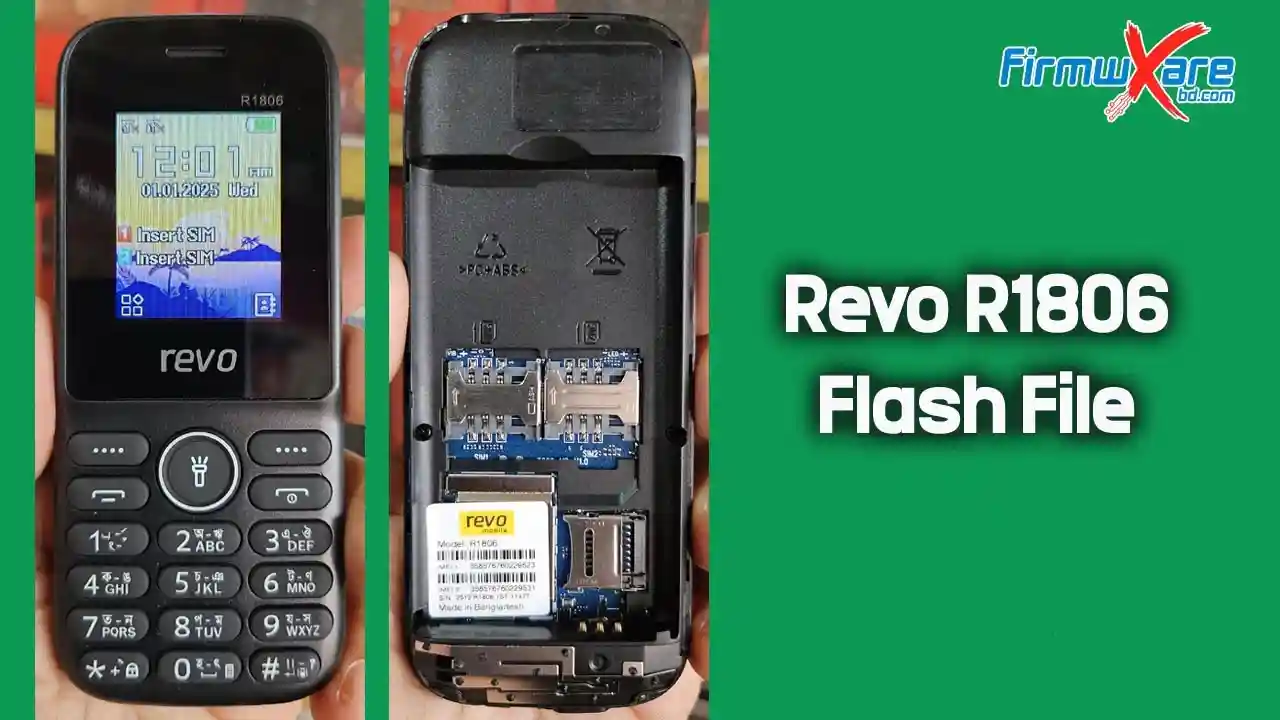
Revo R1806 Stock Firmware Advantage
- Unbrick the phone
- Fix boot loops
- Resolve network issues
- Reset security locks
- Fix logo hang issues
- Fix other software problems
- Restore the warranty by returning to stock
Revo R1806 Software Information
| Device Model: | Revo R1806 |
| ROM Version: | T609_61DD_HXL_REVO_R1806_128X160_3N1_V01_20251125 |
| ROM Type: | Bin File |
| CPU Type: | MT6260 |
| Flash Tool: | CM2 MTK |
| USB Driver: | MTK Driver |
| File Size: | 4MB |
| File Password: | Paid |
| Contact Us: | WhatsApp +8801738341322 |
Revo R1806 Flash File Download
How to Flash Stock ROM Revo R1806 Phone:
- Download the Revo R1806 flash file firmware.
- Install the Revo R1806 USB driver on your computer if you don’t already have one.
- Open the Revo R1806 flash tool (CM2/Miracle Box).
- Remove and reinsert the Revo R1806 battery.
- Select the downloaded flash file in the tool and click “Write Flash”.
- Connect your Revo R1806 to your computer with a USB cable and press the boot key.
- The Revo R1806 will now start flashing. This may take up to 5 minutes.
- Wait for the flashing process to reach 100% completion.
- Flashing is now complete! The Revo R1806 has been successfully flashed.
Important Notes
- Use the latest flash tool for this process.
- Back up your data before flashing to avoid data loss.
- The stock ROM provided here is from the manufacturer and has been scanned with Malwarebytes Premium for security.
Related Post
Need Help?
If you encounter any issues or errors while flashing your device, please contact me for assistance. I’m happy to help troubleshoot any problems.
You can also follow us on Facebook by clicking here to get the latest updates and support.