Realme RMX3366 Flash File Firmware Free Download
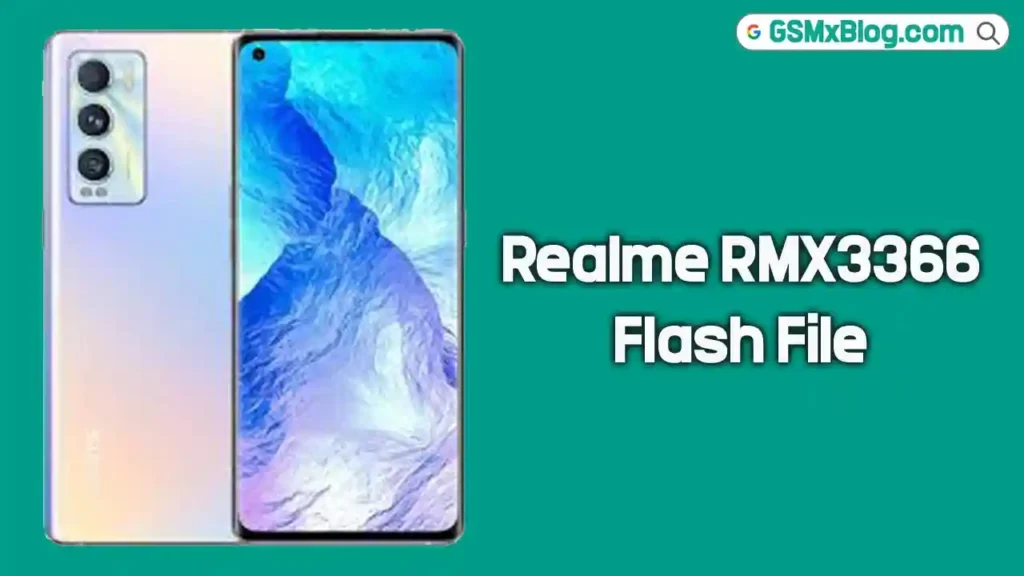
On this page, you can download the official Realme RMX3366 Flash File Firmware (Stock ROM) for free. This full firmware package is designed for the Realme GT Master Edition, powered by a Qualcomm Snapdragon 778G chipset. You can use this stock ROM to fix a wide range of software issues, including bootloop, FRP lock, dead after flash, hang on logo, and more.
What is Stock Firmware?
Stock firmware — also called a flash file or Stock ROM — is the official operating system software that came pre-installed on your device from the manufacturer. It contains all the core system files required for the phone to run correctly. When a device runs into serious software problems, flashing the stock firmware restores the phone back to its original factory state.
For Qualcomm-based devices like the Realme RMX3366, the firmware is flashed using the MSM Download Tool along with the Qualcomm HS-USB QDLoader 9008 driver, allowing the tool to communicate with the device in EDL (Emergency Download) Mode.
📱 About Realme RMX3366 (GT Master Edition)
The Realme RMX3366, also known as the Realme GT Master Edition, is a mid-range Android smartphone that launched with Android 11. It is powered by a Qualcomm Snapdragon 778G 5G processor and comes with 6GB of RAM and 128GB of internal storage. The device features a 6.43-inch AMOLED display with a 120Hz refresh rate, a 64MP triple camera setup on the rear, and a 4300mAh battery supporting 65W fast charging.
Since the Realme RMX3366 runs on a Qualcomm chipset, firmware flashing requires the proper .ofp firmware package and a compatible tool such as the MSM Download Tool.
⚠️ Important: This firmware is specifically for the Realme RMX3366 (GT Master Edition). Do not use this on any other Realme model. Always verify your device model before proceeding.
Why Do You Need Stock Firmware?
- To fix hang on logo / bootloop issues
- To remove FRP (Factory Reset Protection) lock
- To recover a dead or bricked device
- To fix “dead after flash” problems
- To downgrade or upgrade the Android version
- To perform a clean re-installation of system software
- To remove pattern, PIN, or password locks
📥 Firmware Download Details
| Detail | Info |
|---|---|
| Device Name | Realme GT Master Edition |
| Model Number | RMX3366 |
| Firmware Version | RMX3366domestic_11_F.09_2023031615590145 |
| OS Version | Android 11 |
| Chipset / SoC | Qualcomm Snapdragon 778G 5G |
| File Type | Stock ROM / Flash File (.ofp / .zip) |
| ROM Size | Up to 5.5 GB |
| GApps | Included |
| Root Access | No |
| Password | RMX3366s |
🔗 Download Links
⬇️ Download Link 2 (China ROM)
⚠️ Note
- Always create a full backup of your data before flashing — this process will erase everything on the device.
- Flashing firmware carries a risk of bricking your device. Proceed entirely at your own risk.
- Use this firmware only on the Realme RMX3366. Flashing on a wrong model can permanently damage the device.
- Make sure your device battery is charged to at least 50% before starting.
⚙️ Pre-Requisites Before Flashing
Before you start, make sure the following requirements are ready on your PC:
- Install Qualcomm USB Driver (HS-USB QDLoader 9008) on your PC.
- Install Oppo/Realme USB Driver on your PC.
- Download the latest MSM Download Tool from the link in the Supported Tools section below.
- Download the Realme RMX3366 Firmware (.ofp / .zip file) from the links above.
- Use a good-quality, original USB data cable.
- Make sure your computer runs Windows 7, 8, 10, or 11 (64-bit recommended).
- Have an active Oppo/Realme account for MSM Tool login (required for SLA-enabled devices).
🔧 How to Flash Realme RMX3366 Firmware
Follow the steps below carefully to flash the stock firmware on your Realme RMX3366:
Step 1: Install USB Drivers
Download and install the Qualcomm USB Driver (HS-USB QDLoader 9008) and the Oppo/Realme USB Driver on your computer. If they are already installed, skip this step.
Step 2: Extract Firmware and Tool
Extract the downloaded firmware file and the MSM Download Tool into the same folder on your PC. This makes it easier to locate the firmware during the flashing process.
Step 3: Open MSM Download Tool
Run the MSM Download Tool as Administrator. When prompted, log in with your Oppo ID — this is required for SLA-enabled devices like the Realme RMX3366.
Step 4: Load Firmware File
Inside the MSM Download Tool, click Browse and navigate to the folder where you extracted the firmware. Select the .ofp firmware file to load it into the tool.
Step 5: Enter EDL Mode
Power off your Realme RMX3366 completely. Then, connect it to your PC using a USB cable while pressing Volume Up + Volume Down simultaneously. If the device is completely dead and does not respond, you may need to use a test point on the motherboard to force it into EDL mode.
Once in EDL mode, the device should appear as Qualcomm HS-USB QDLoader 9008 in Windows Device Manager.
Step 6: Start Flashing
Click the Start button in the MSM Download Tool. The flashing process will begin automatically. Wait for it to complete without interrupting the connection. Once the process finishes, unplug the device and power it on normally.
✅ Tip: If the device is not detected in the tool, reinstall the Qualcomm USB Driver and try a different USB port.
✅ Supported Tools
The Realme RMX3366 firmware is compatible with the following tools:
- MSM Download Tool — Primary Qualcomm flashing tool for Realme/Oppo devices
- QFIL Tool — Qualcomm Flash Image Loader (alternative option)
- QLMFlasher Pro — Full pack flashing, FRP removal, and region change
- Python EDL — Open-source EDL flashing tool
- Miracle Box — Optional, for advanced repair functions
Important Notes
- Use this firmware only on the Realme RMX3366 — do not use it on other Realme models.
- Do not disconnect the USB cable during the flashing process — this can permanently brick the device.
- If the tool does not detect your device, reinstall the Qualcomm USB Driver and try again.
- Back up all important data before flashing — the process will wipe everything from the device.
- For FRP removal, region change, or unbrick operations, use the MSM Full Pack download link provided above.
Related Posts
- Samsung SM-A236E Bit5 Firehose File Free Download
- Samsung A528B Bit6 Firehose File Free Download
- Oppo CPH2247 Firehose File Free Download
✅ Conclusion
The Realme RMX3366 Flash File Firmware is the official stock ROM for the Realme GT Master Edition. Whether you are dealing with a bootloop, FRP lock, dead device, or any other software issue, flashing this firmware using the MSM Download Tool will restore your device to a fully working factory state.
Download the correct firmware version from the links above and follow the step-by-step guide carefully to successfully flash your Realme RMX3366 without any issues.