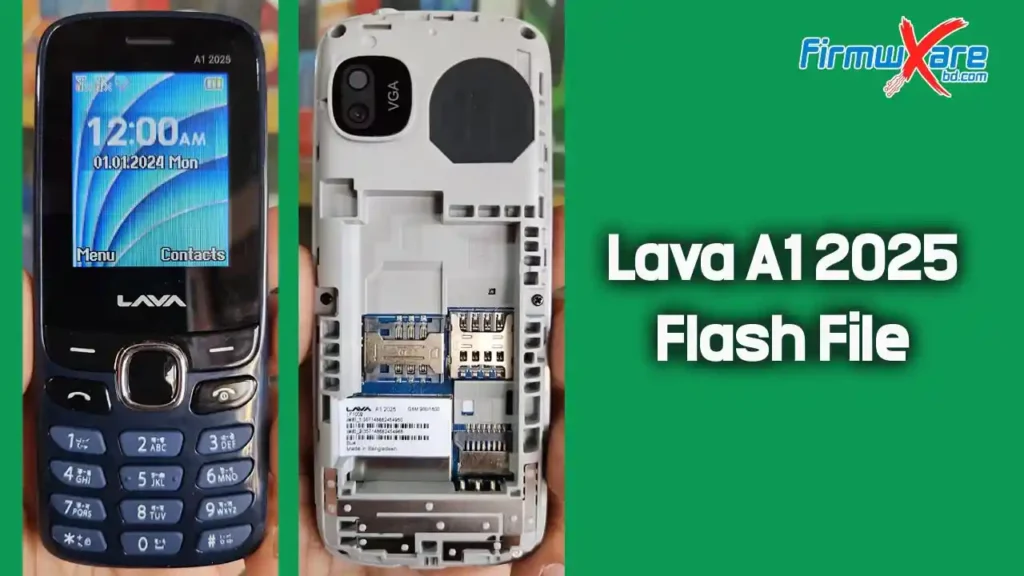
Lava A1 2025 Flash File (Firmware) MT6261DA
Hello GSM friends, are you looking for a Lava A1 2025 flash file? Entered the right website, and from here you can download the Flash file very easily. Lava A1 2025 flash file is 100% tested and safe. On this web page, you will also find this file about how to Flash on a mobile step-by-step guide with the download link of the USB driver.
Lava A1 2025 Stock Firmware Advantage
- Unbrick the phone
- Fix boot loops
- Resolve network issues
- Reset security locks
- Fix logo hang issues
- Fix other software problems
- Restore the warranty by returning to stock
Lava A1 2025 Software Information
| Device Model: | Lava A1 2025 |
| ROM Version: | LAVA_A1_2025_032_024_V3_M004_20260206_BGD |
| ROM Type: | Bin File |
| CPU Type: | MT6261DA |
| Flash Tool: | CM2 MTK |
| USB Driver: | MTK USB Driver |
| File Size: | 4MB |
| File Password: | Paid |
| Contact Us: | WhatsApp +8801738341322 |
Lava A1 2025 Flash File Download
How to Flash Stock ROM Lava A1 2025 Phone:
- Download the Lava A1 2025 flash file firmware.
- Install the Lava A1 2025 USB driver on your computer if you don’t already have one.
- Open the Lava A1 2025 flash tool (CM2/Miracle Box).
- Remove and reinsert the Lava A1 2025 battery.
- Select the downloaded flash file in the tool and click “Write Flash”.
- Connect your Lava A1 2025 to your computer with a USB cable and press the boot key.
- The Lava A1 2025 will now start flashing. This may take up to 5 minutes.
- Wait for the flashing process to reach 100% completion.
- Flashing is now complete! The Lava A1 2025 has been successfully flashed.
Important Notes
- Use the latest flash tool for this process.
- Back up your data before flashing to avoid data loss.
- The stock ROM provided here is from the manufacturer and has been scanned with Malwarebytes Premium for security.
Related Post
Need Help?
If you encounter any issues or errors while flashing your device, please contact me for assistance. I’m happy to help troubleshoot any problems.
You can also follow us on Facebook by clicking here to get the latest updates and support.