Itel A95 5G A671N Flash File (Firmware) Free Download
If your Itel A95 5G A671N is stuck on the logo, not booting, or showing software errors, installing the official stock firmware can fix the issue. On this page, you can download the original flash file and follow a simple guide to reinstall the firmware safely.
This firmware helps restore your device to factory condition and resolves most software-related problems.
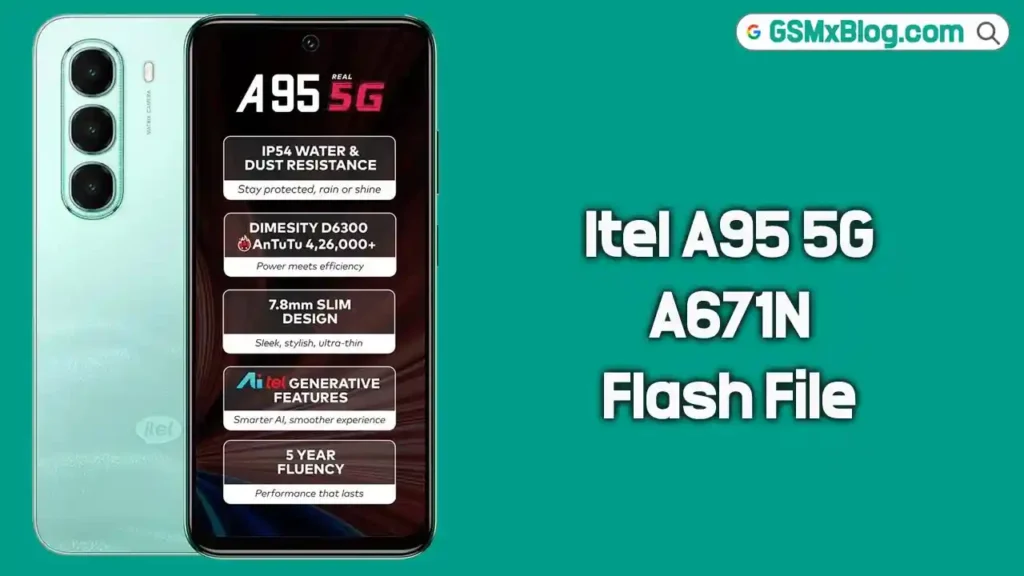
Itel A95 5G A671N Stock Firmware (Flash File)
The stock ROM allows you to upgrade, downgrade, or reinstall the original operating system on your smartphone. Flashing the firmware can help you fix:
- Bootloop issue
- Device stuck on startup screen
- IMEI or baseband problem
- System crash or freezing
- Dead device after failed update
- Software corruption
Installing official firmware ensures stable performance and secure system files.
📱 About Itel A95 5G A671N
The Itel A95 5G A671N is a 5G-enabled Android smartphone powered by the MediaTek MT6835 chipset. It delivers fast connectivity and smooth daily performance.
Since this device uses a MediaTek processor, you must use the SP Flash Tool to install the firmware correctly.
📥 Itel A95 5G A671N Firmware Download
- Device Name: Itel A95 5G A671N
- File Name: Itel_A95_5G_A671N_MT6835_IN_V548_250523_MXML.zip
- File Size: 5.53 GB
- Processor: MediaTek MT6835
🔗 Download Link:
👉 Download Itel A95 5G A671N Flash File
Why Flash Itel A95 5G A671N Firmware?
Flashing the stock firmware is helpful if:
- Your phone is not turning on properly
- The device is running slow or lagging
- You want to remove malware or unwanted apps
- You need to restore factory settings
- You want to fix network or IMEI issues
Reinstalling the official ROM gives your phone a fresh and stable system.
⚙️ Pre-Requisites Before Flashing
Before starting the flashing process, make sure to:
- Charge your phone at least 50%.
- Take a full backup of your personal data.
- Use a good quality USB cable.
- Install MediaTek USB Drivers on your computer.
- Download the latest SP Flash Tool (for Windows or Linux).
- Extract the firmware package properly on your PC.
⚠️ Flashing will erase all data from your device.
🔧 How to Install Stock Firmware on Itel A95 5G A671N
Follow these steps carefully:
Step 1: Extract Firmware
Download and extract the Itel A95 5G A671N firmware package on your computer.
Step 2: Install USB Driver
Install the MediaTek USB Driver. If already installed, skip this step.
Step 3: Open SP Flash Tool
Launch SP Flash Tool as Administrator.
Step 4: Load Scatter File
Click on Choose next to Scatter-loading File and select the scatter file from the extracted firmware folder.
Step 5: Click Download
Click on the Download button in SP Flash Tool.
Step 6: Connect the Device
Power off your device and connect it to the PC using a USB cable.
The flashing process will begin automatically. Wait until you see the Download OK message.
Step 7: Reboot Device
Disconnect your phone and power it on. The first boot may take a few minutes.
Important Notes
- Always flash the correct firmware version for A671N only.
- Do not disconnect the device during flashing.
- If flashing fails, reinstall the drivers and try again.
- Always take a complete backup before flashing.
✅ Conclusion
The Itel A95 5G A671N Flash File (MT6835 V548) is the official firmware designed to fix bootloop issues, system errors, and dead device problems. By following the proper flashing method with SP Flash Tool, you can safely restore your smartphone to its original working state.
Download the firmware using the link above and carefully follow the installation guide to successfully flash your Itel A95 5G A671N device.