Download Realme C65 5G RMX3997 Rollback Downgrade File (Firmware) Free [OTA Update Guide]
If your Realme C65 5G RMX3997 has become unstable after a recent update—suffering from bugs, battery drain, or system glitches—you may need to rollback to a previous stable firmware. Fortunately, Realme provides an official rollback OTA package that allows you to downgrade your device safely—and without unlocking the bootloader.
In this comprehensive guide, you’ll learn how to download and install the Realme C65 5G rollback firmware, what the prerequisites are, and the step-by-step method to downgrade your phone using only its internal features.
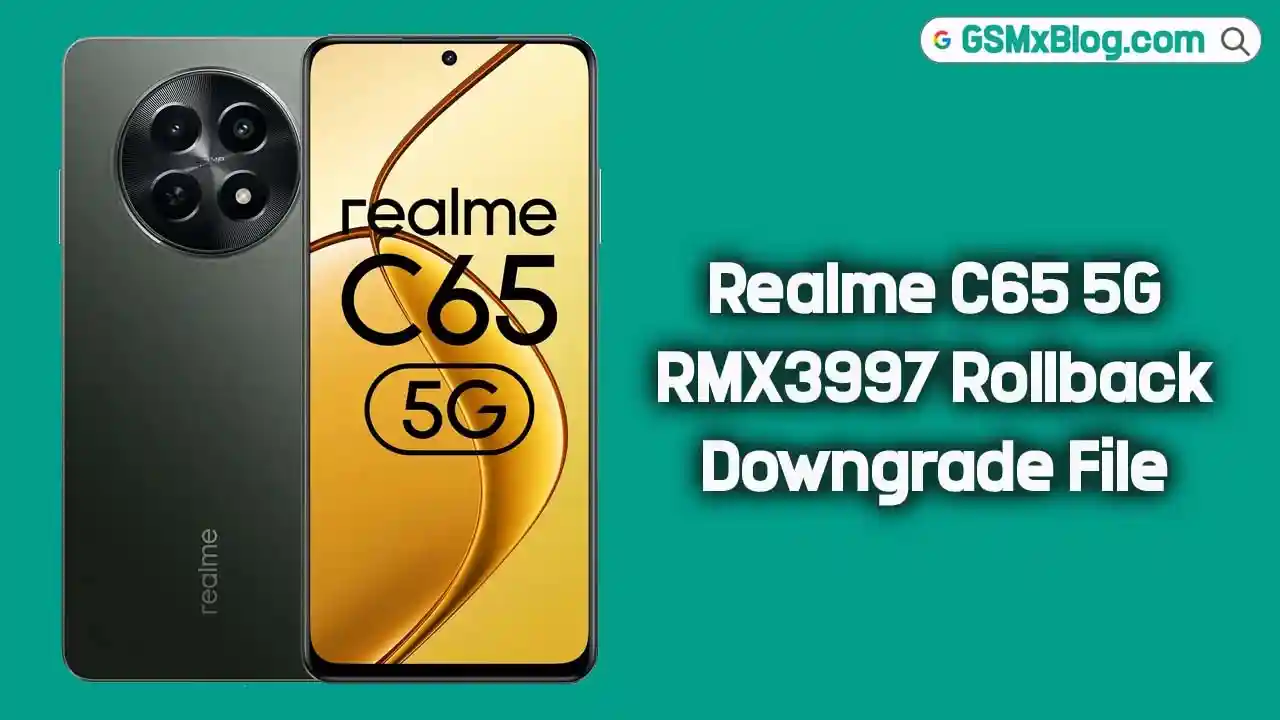
Why Downgrade Realme C65 5G RMX3997?
Software updates don’t always go as planned. Here are a few valid reasons to rollback your Realme C65 5G:
- 🔄 Revert to a stable Android version after a buggy update
- 🚫 Fix bugs, random crashes, or app compatibility issues
- 🔋 Improve battery life and overall performance
- 🛠 Solve failed OTA updates or partially installed firmware
- ✅ No need to unlock the bootloader or root your device
Thankfully, Realme allows official rollbacks without needing a PC or bootloader unlock, making it user-friendly even for beginners.
Realme C65 5G RMX3997 Downgrade Firmware [Free Download]
To begin, you need to download the official rollback package developed for the Realme C65 5G RMX3997. This file enables you to downgrade your device without a computer, and it’s completely safe if you follow the correct steps.
- Phone Model: Realme C65 5G (RMX3997)
- File Name: 619_sign_RMX3997_11_A_OTA_0450_all_uMa8F3_00011011.zip
- Region:
- Type: OTA Rollback Package
- File Size: 5.3 GB
- Download Link: Download Rollback File
Pre-Requisites Before Downgrading
Before proceeding with the rollback process, ensure the following:
- 🔋 Fully charge your phone (at least 60% battery recommended)
- ✅ Confirm your model number is RMX3997 (Settings > About phone or dial *#899#)
- 💾 Back up your data to avoid accidental loss
- 📁 Place the downloaded file (
Rollbackpack_RMX3997_updata.zip) in the root of internal storage - ⚠️ Use this firmware at your own risk — though it’s official, always follow the instructions carefully
How to Downgrade Realme C65 5G RMX3997 (Without PC)
You can complete the downgrade directly from your phone using the “Local Install” option in Realme UI. Here’s a simple step-by-step process:
Step 1: Prepare the Rollback File
- Download the rollback file from the link above.
- Transfer it to the main directory of your internal storage (not inside any folder).
Step 2: Enable Developer Options
- Open Settings > About Device.
- Tap Version > Tap Build Number multiple times until Developer Mode is enabled.
Step 3: Start the Downgrade Process
- Go back to Settings and tap Realme UI Version.
- Tap the three dots in the top-right corner.
- Select Local Install.
- Browse and select the rollback file:
Rollbackpack_RMX3997_updata.zip. - Tap Extract > Proceed to backup if you haven’t already.
- If your data is backed up, tap “My data is backed up”.
- Finally, tap Install.
The rollback process will now begin. Your phone will reboot during installation. Once complete, the phone will boot into the downgraded version of Realme UI. You can now proceed to set up your device.
How To Rollback Any Realme Device (Video Guide)
If you prefer a visual walkthrough, here’s a step-by-step video tutorial that shows how to roll back any Realme device using the OTA method — ideal for beginners:
👉 Watch here:
Related Article
- Realme Narzo N53 RMX3761 Rollback Downgrade File
- Realme 12 RMX3871 Flash File (Firmware)
- Realme C51s RMX3765 Flash File (Firmware)
Final Words
Downgrading your Realme C65 5G RMX3997 to a more stable firmware version can significantly improve your phone’s performance, battery life, and usability. If you’re experiencing issues with the latest update, don’t worry — just follow this guide, download the official OTA downgrade package, and you’ll be back to a smoother experience in no time.
⚡ Download Realme C65 5G RMX3997 Rollback Downgrade File (Firmware) Free today and take full control over your device’s performance!
Frequently Asked Questions (FAQs)
❓ Will I lose my data after the downgrade?
Yes, this process will wipe your data. Please backup everything important before proceeding.
❓ Is it safe to downgrade without unlocking the bootloader?
Absolutely. This official OTA rollback package is designed for safe installation without bootloader unlock.
❓ Can I upgrade again after downgrading?
Yes, you can manually or automatically upgrade to the latest version via OTA when it’s stable.
❓ Is this firmware official?
Yes, this rollback firmware is provided by Realme’s official servers and is intended for troubleshooting.